Rebuilding datavizlouis.com with Claude
A dual experience portfolio with pixel CRT-TV and Game Boy experience, six months from first idea to a site Louis now fully controls: explored in ChatGPT and Claude, prototyped from his Figma files in an early beta of Claude Design, cleaned up in Claude Code, moved off WordPress onto a headless CMS, and deployed through GitHub.
- Total prompts: 333
- Commits: 109
- Build days: 10
- Total time spent: ≈ 12.6 h
1. The battle of the two LLMs
The redesign started in ChatGPT in October 2025 and Louis wanted some help recreating his portfolio/courses after purchasing WordPress plugins such as Elementor and TutorLMS. It was long overdue since the current one was a template (also bought) hosted in Webflow, which didn't really feel like his identity. But it was a lukewarm exploration with images thrown into the chat and seeing what ChatGPT had to offer. While there was nothing aesthetically good enough, the structure of a console system resonated.
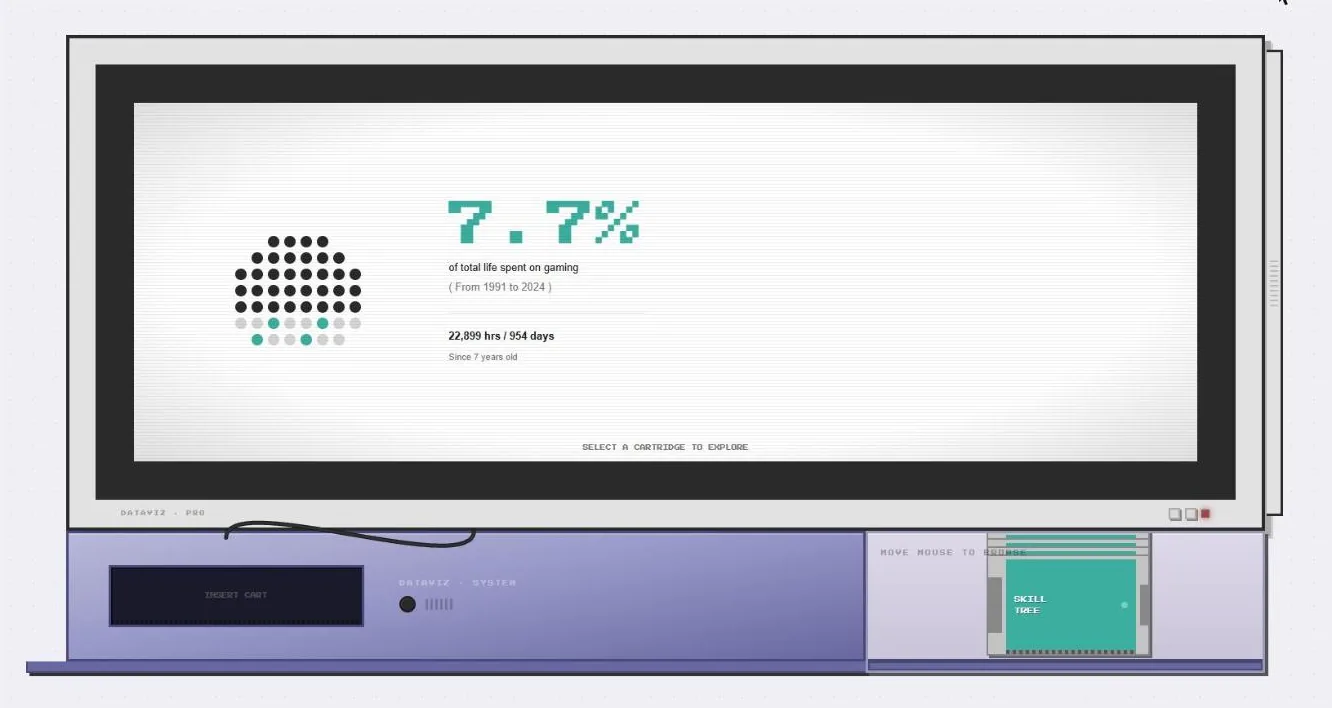
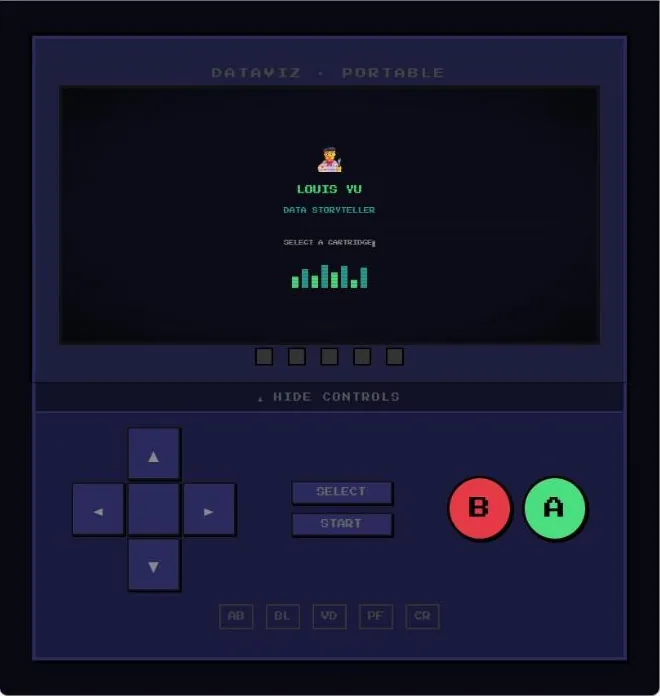
In April 2026 (Yes... after a year of procrastinating) and also the popularity rise for Claude, he decided to try again. He took the idea to Claude, with ChatGPT's retro console ideas. A few artifacts later, he had a prototype for the mobile view locked as a Game Boy experience, and a prototype for the desktop view that had the full console and cartridge version.
- Prompt: A pixel-art console as the whole site: a TV, and a swappable cartridge for each page.
- Claude's decision: Migrating out of WordPress with Next.js to have more control over the two experiences.
Developer notes
Funny how a year changes the AI landscape so drastically. ChatGPT was my go-to for everyday tasks so that was my first touchpoint to start ideating on the portfolio site. During those early days, generative AI had gotten much better but it was largely gated to additional subscriptions like Midjourney, DALL-E, Stable Diffusion and I didn't want to spend additional money on those. The images that ChatGPT made were very basic and didn't have the level of fidelity I was looking for. The back-and-forth bantering with the AI helped me formulate the idea of gamifying my portfolio, but I was too overwhelmed to start coding and the plugins I bought had a learning curve.
When Claude started to become popular, I decided to try again. But this time, I wasn't going in empty handed. I gave it the console + CRT idea as well as a screenshot of my Tableau #IronViz 2024 submission to give it a headstart. It didn't manage to get to my ideal design, it suggested a stripped down mobile version in the form of a Gameboy - which I thought was a really good one!
2. Rebuilding in Claude Design from Figma
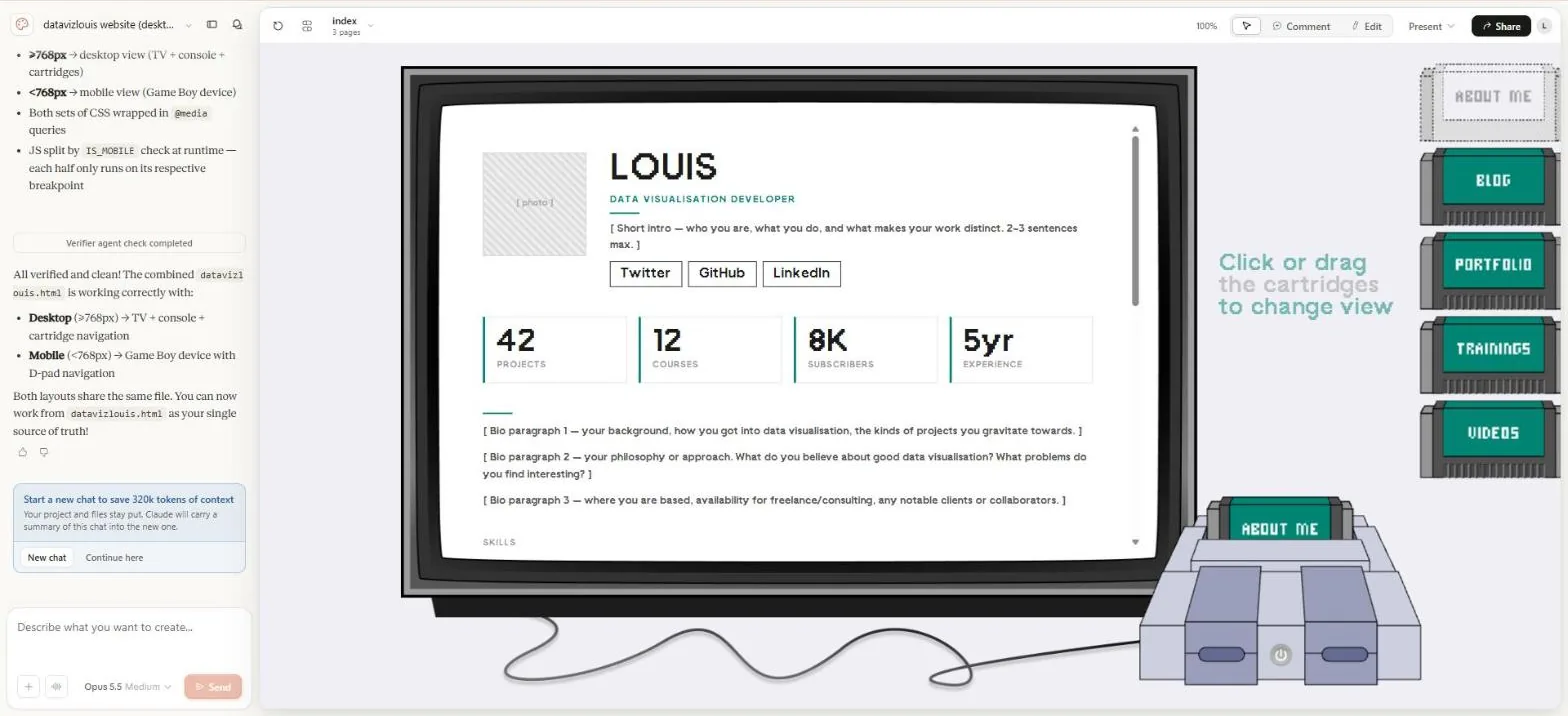
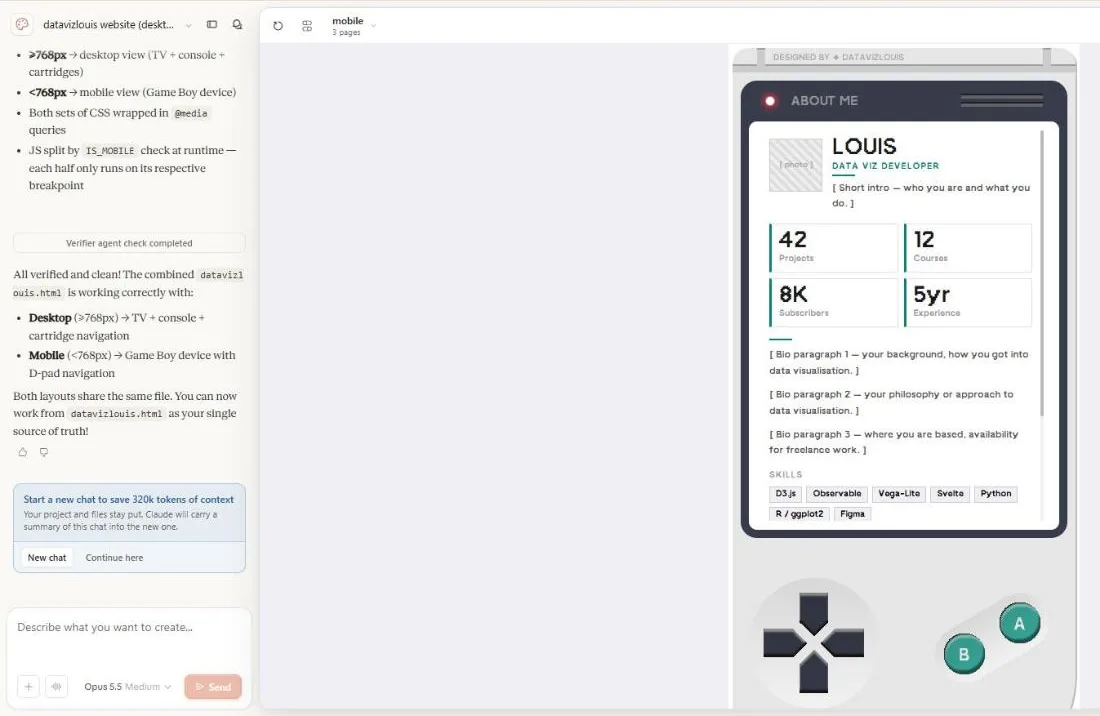
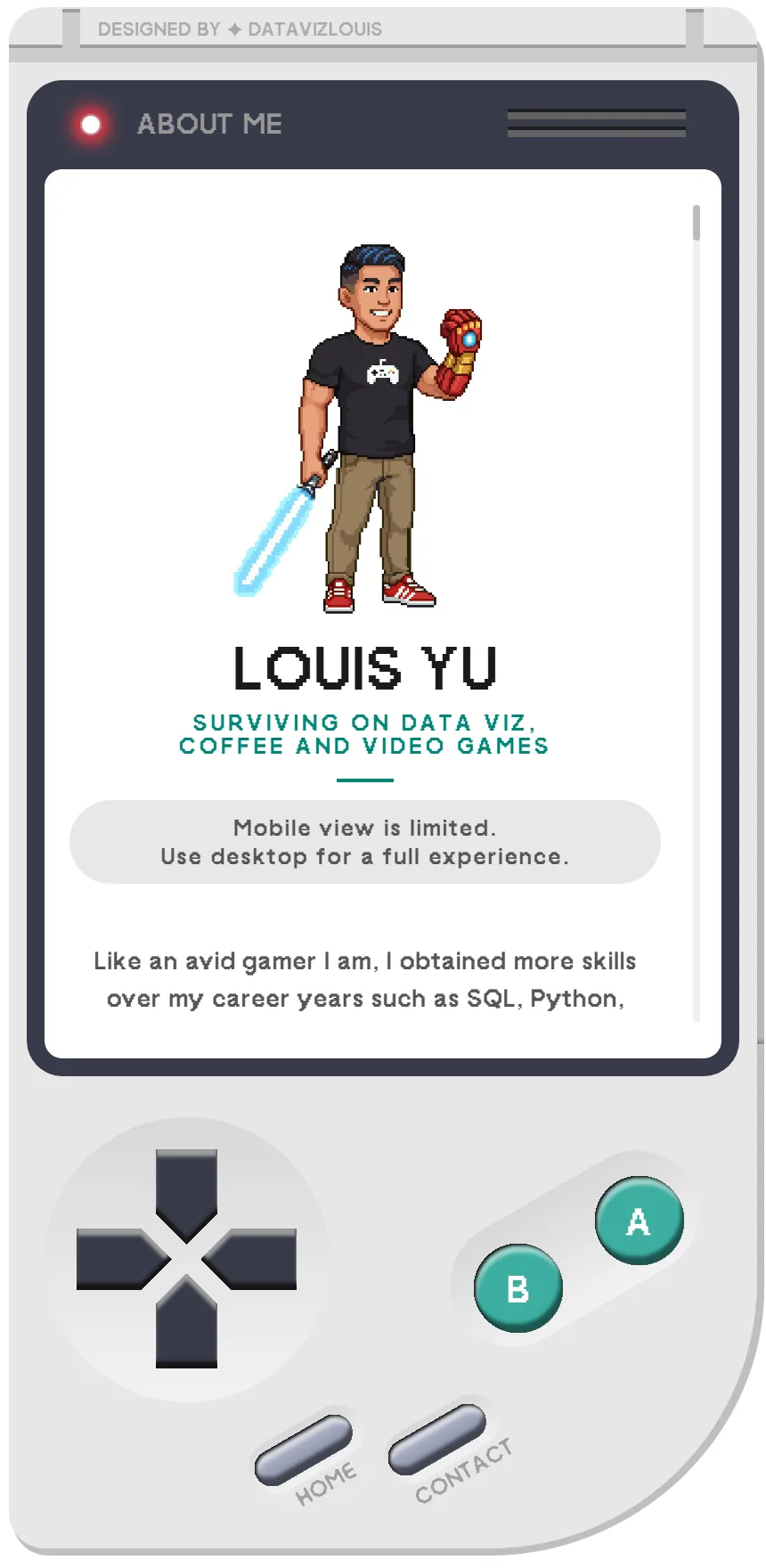
From 30 April the build moved to Claude Design, then in early beta, working from Louis's Figma files. Most of the 134 prompts chased pixel-perfect: Home, Contact, Cancel and Confirm buttons nudged 1–20px at a time, SVGs that didn't render swapped for exported PNGs, the TV fixed at 1080 × 850 and the console parts at exact sizes. Whenever the Figma file changed, the new export went back in. The cartridge swap was tuned to eject, flip and insert at 200ms each with a 100ms console shake and a TV static flash, and every word moved to the NicoClean pixel font. Dozens of prompts went into scrollbars, padding and content flashing during the static. The mobile Game Boy went wrong enough that Louis removed the position sliders, fixed the screen at 430 × 932 and had it rebuilt from scratch from the Figma file. The final prompt merged desktop and mobile into one file.
- Prompt: Using Figma files as the spec: exported PNGs and SVGs at fixed pixel sizes.
- Prompt: Adding animation and chasing pixel perfection.
- Human's override: The button-position tweak sliders were removed and the mobile view rebuilt from scratch at a fixed 430 × 932.
Developer Notes
A lot of what you see in the prompts are very snappy one-liners and that was how Claude Design was built to function. You could point at an element, add a note saying "shift this down 20px" and that's it. It's hardly the same structure/way of prompting I'm used to in chats, so a lot of this stage is testing out the functionality of Claude Design. And also, as you can tell I'm very picky with my pixel perfection.
But it helps tremendously if you have a working file (be it an image or a Figma design file in my case) so that Claude gets the initial form right quickly.
3. From Claude Design to Code
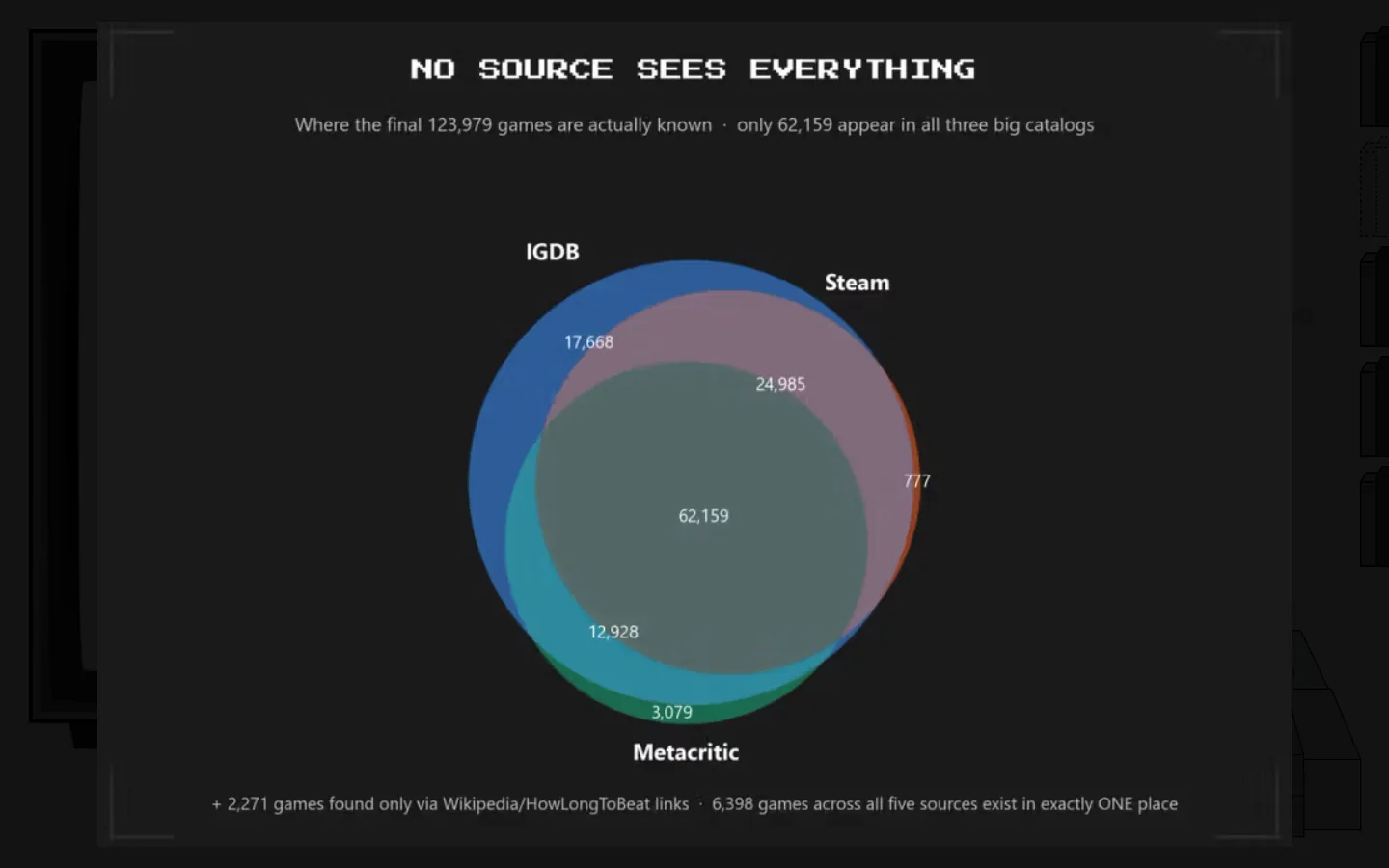
An artifact is great for a prototype but it's not scalable because all the code sits in one file, which in this case was 2,000+ lines of code. Making changes to this as a human is a nightmare. Making changes to this with AI is costly, because it will reread everything for a "shift this 20px down" change. The right approach was to modularize it, but that's not possible with Claude Design and so we had to migrate this to a proper codebase. With a native handover feature, Claude bundles the whole artifact and ships it off to code - that whole process was relatively easy. But some stuff broke upon migration and we had to clean up some of the broken pieces.
- Prompt: Migrating this to Claude Code
- Prompt: Sizes as reusable CSS variables, not hard-coded values.
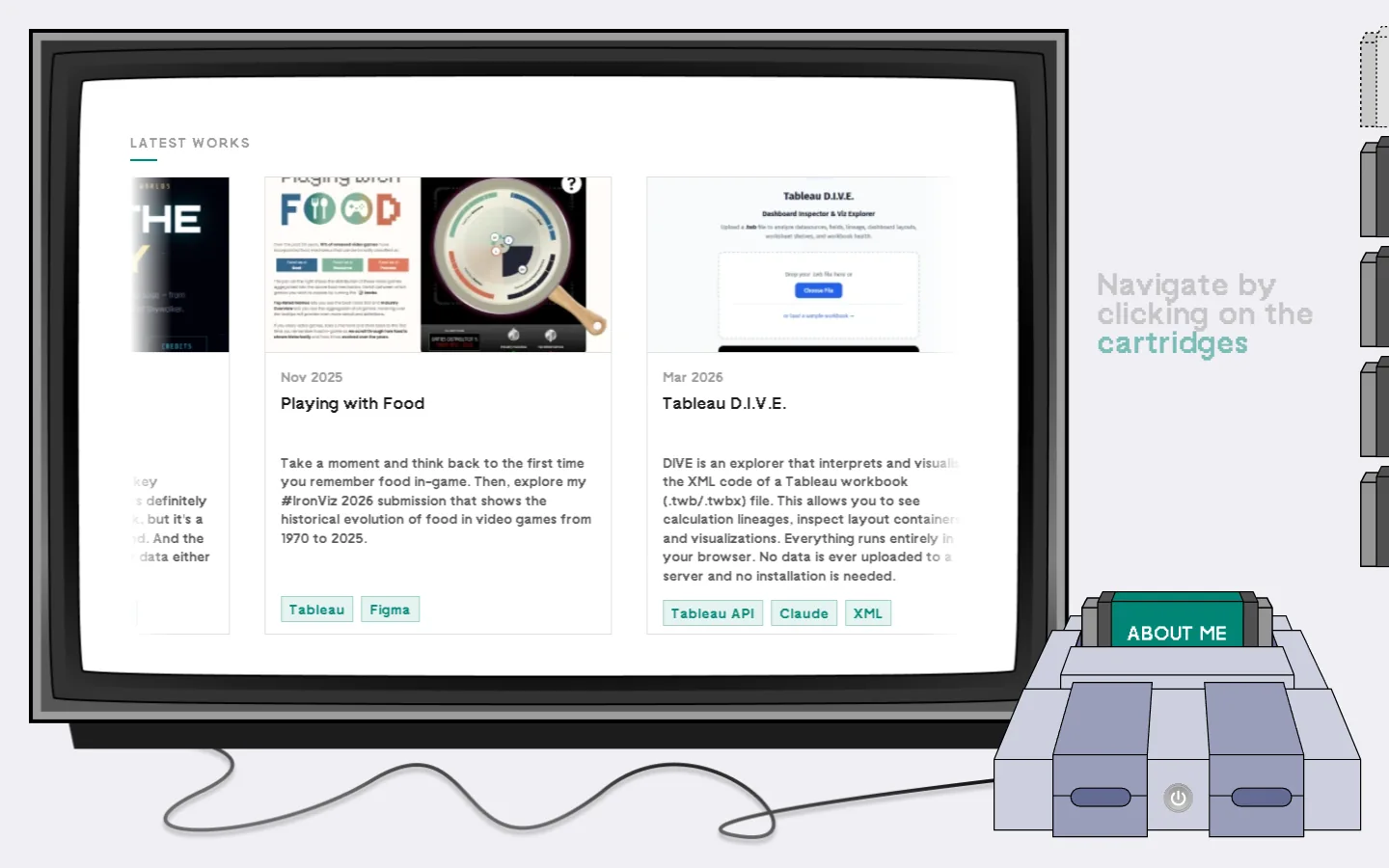
- Claude's decision: A seamless carousel with animations for showing portfolio cards.
- Human's override: Portfolio at two cards per row: tried, then swapped back to three.
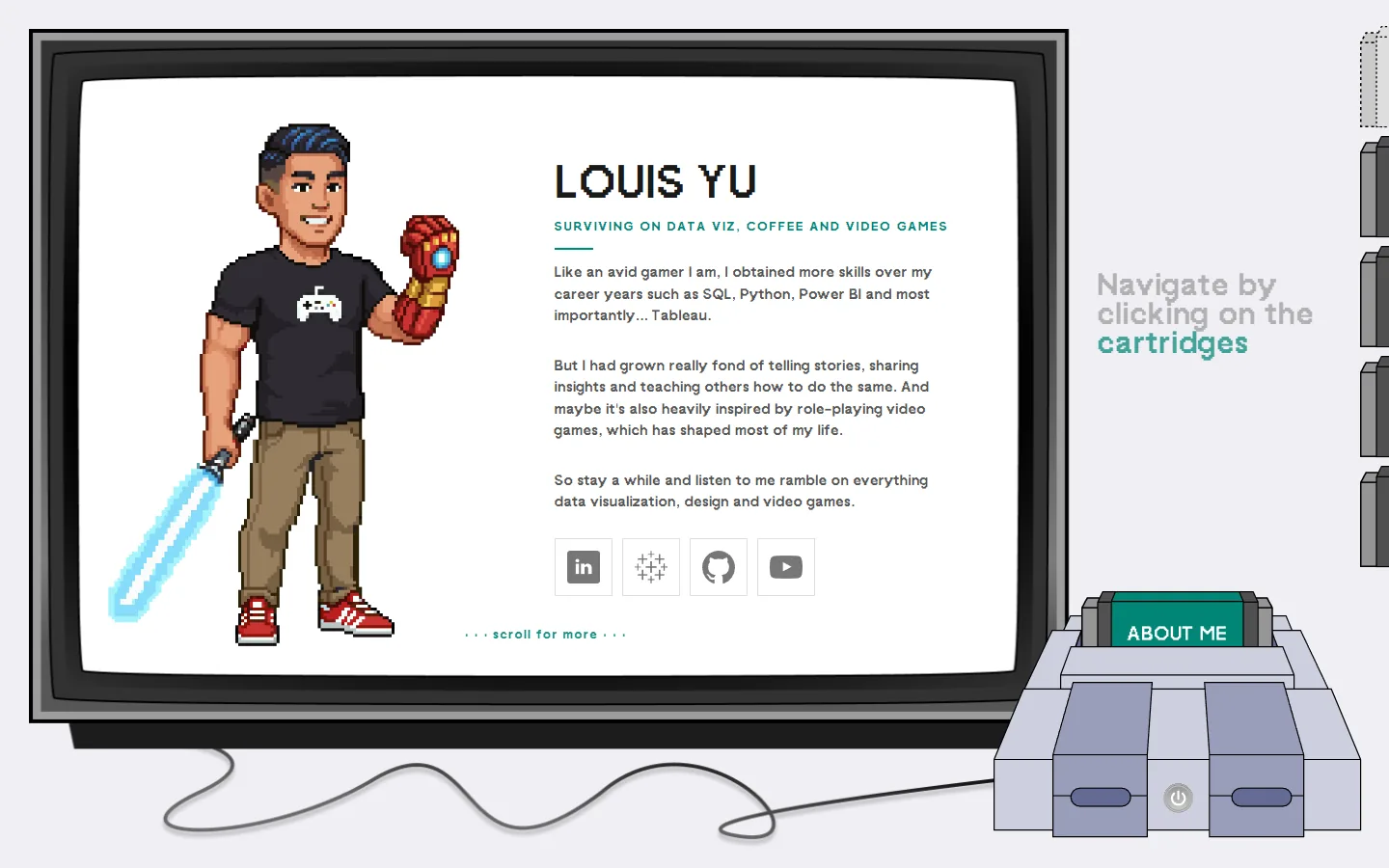
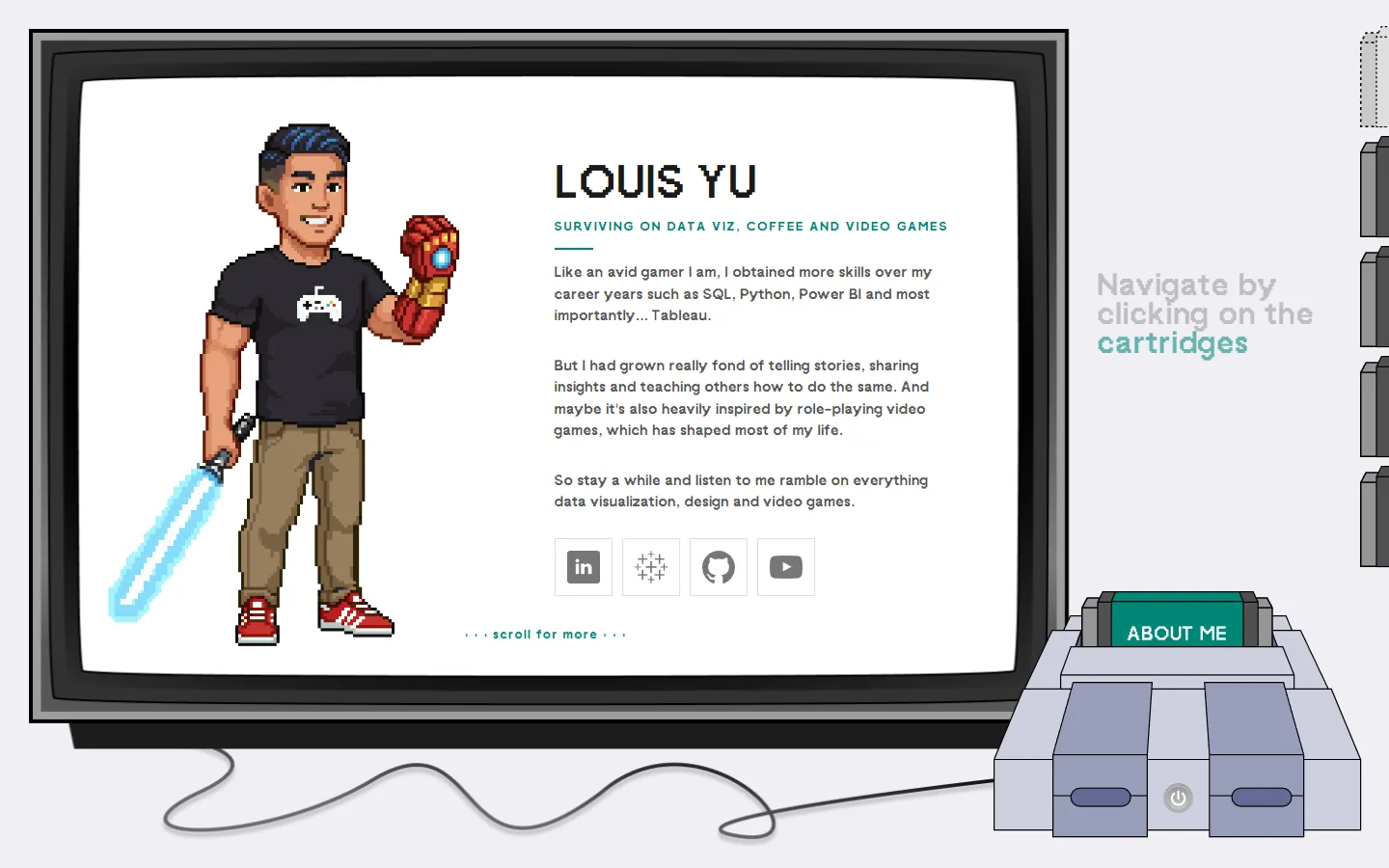
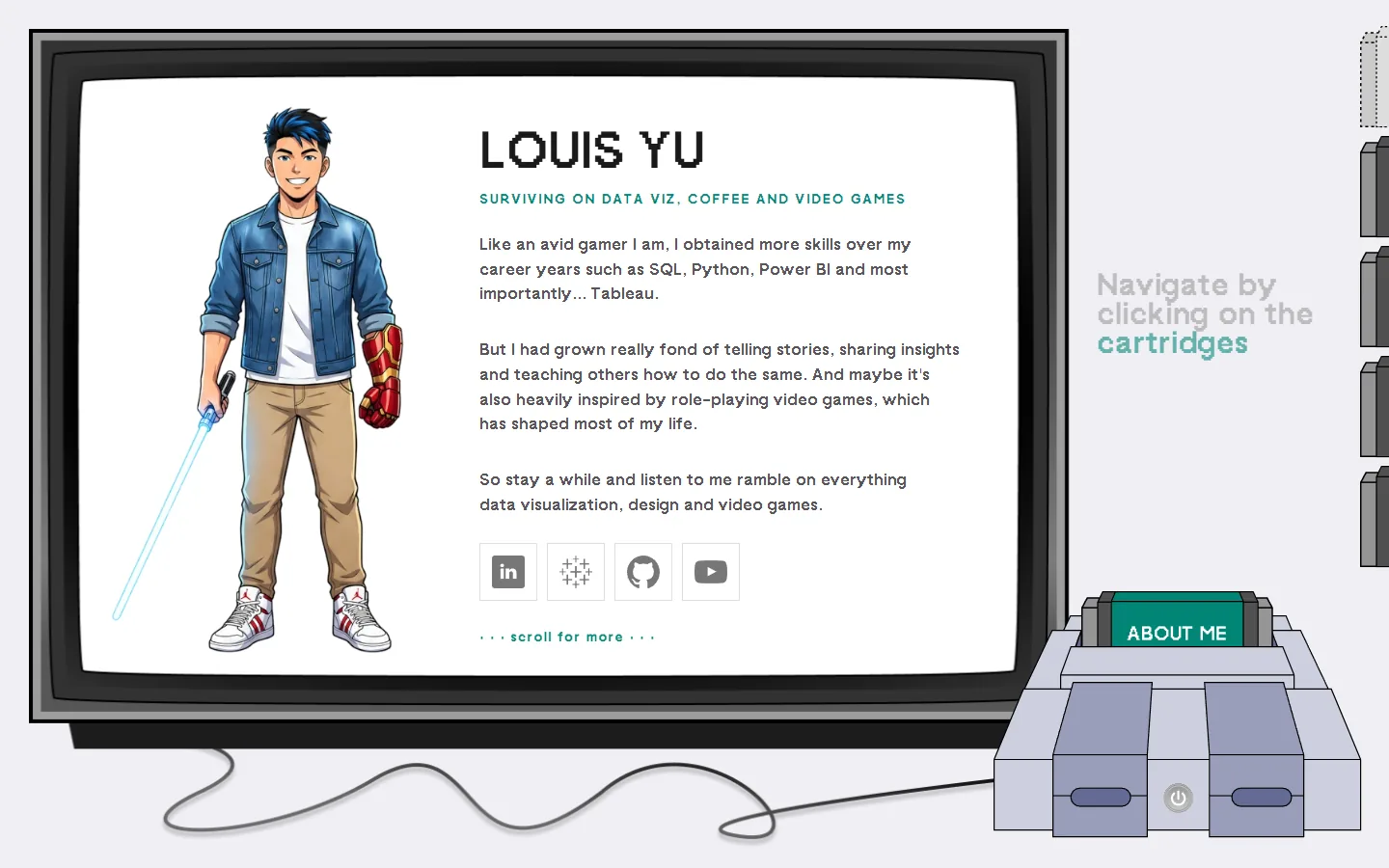
Developer Notes
Part of this process was the realization that I was being vague in my description. What does "change this font size to 16px" mean? Is it for the title, subtitle, body text, tooltip, etc? Most times, Claude is able to infer from the past few conversations, but if you are jumping from one element to another, everything gets messed up. So the lesson I definitely learnt here is: - Use design tokens instead, that way you change font-size-normal to 12px and it changes everything that uses that variable - Work on one thing at a time, don't jump around because the AI can't see what you are seeing.
4. Leaving WordPress for a headless CMS
The initial plan was to publish into WordPress or Webflow, where his old site lived. Learning how the pieces fit showed him the trade-off: a hosted platform handles more for you but limits what you control, while your own React and HTML leave everything in your hands. He went with his own site and Sanity as a headless CMS for blog posts, works and videos. The next big migration was modularizing the website so the SEO could surface each individual page better, using a full Next.js rebuild.
- Prompt: What are the differences between WordPress and Webflow CMS, and are there other alternatives?
- Claude's decision: Sanity provides a headless solution which will give you more customizable options
- Prompt: How can I make this site more discoverable and compliant with SEO?
- Claude's decision: Don't cloak your website with one URL, modularize it so that crawlers and search engines can serve individual pages.
Developer Notes
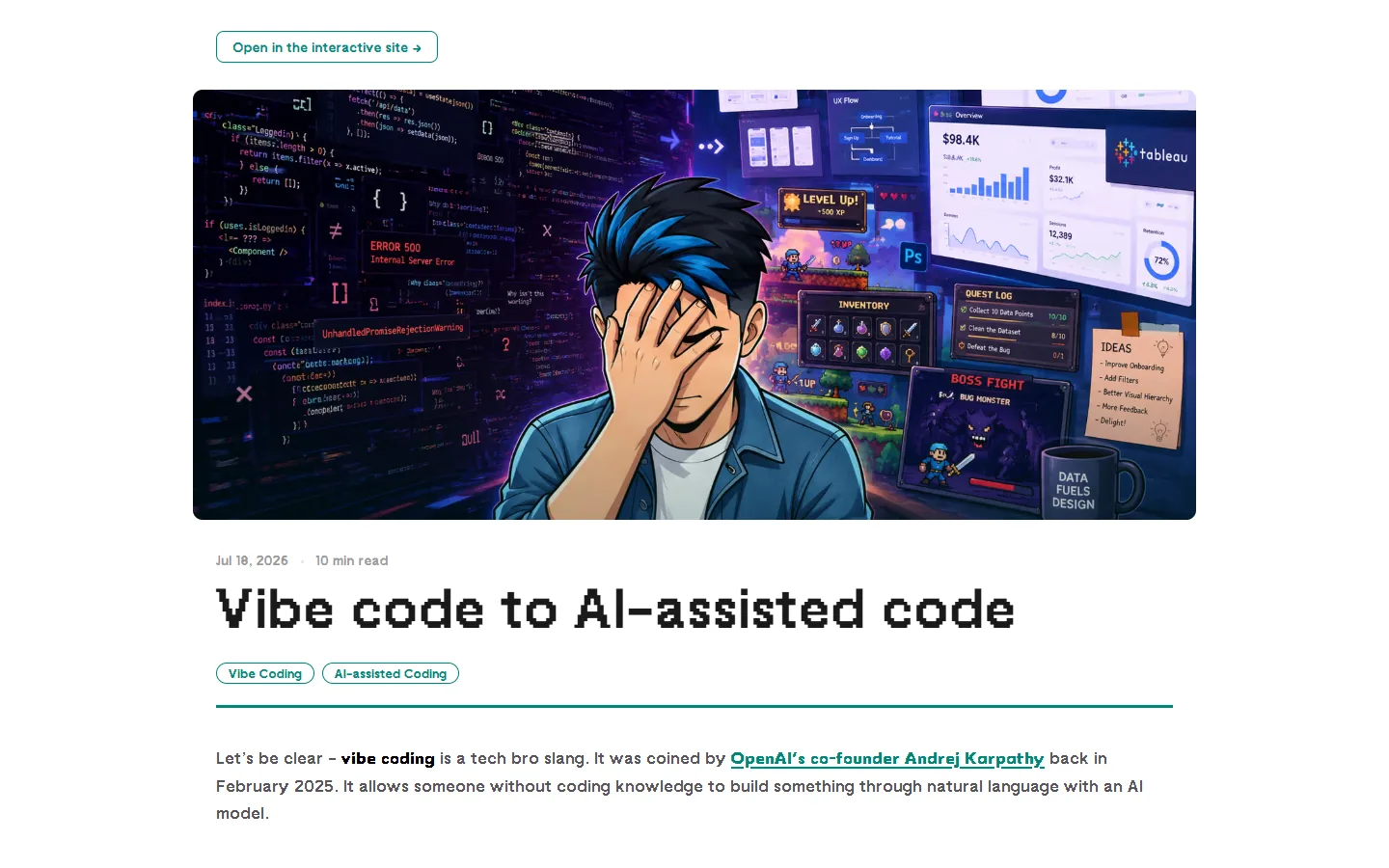
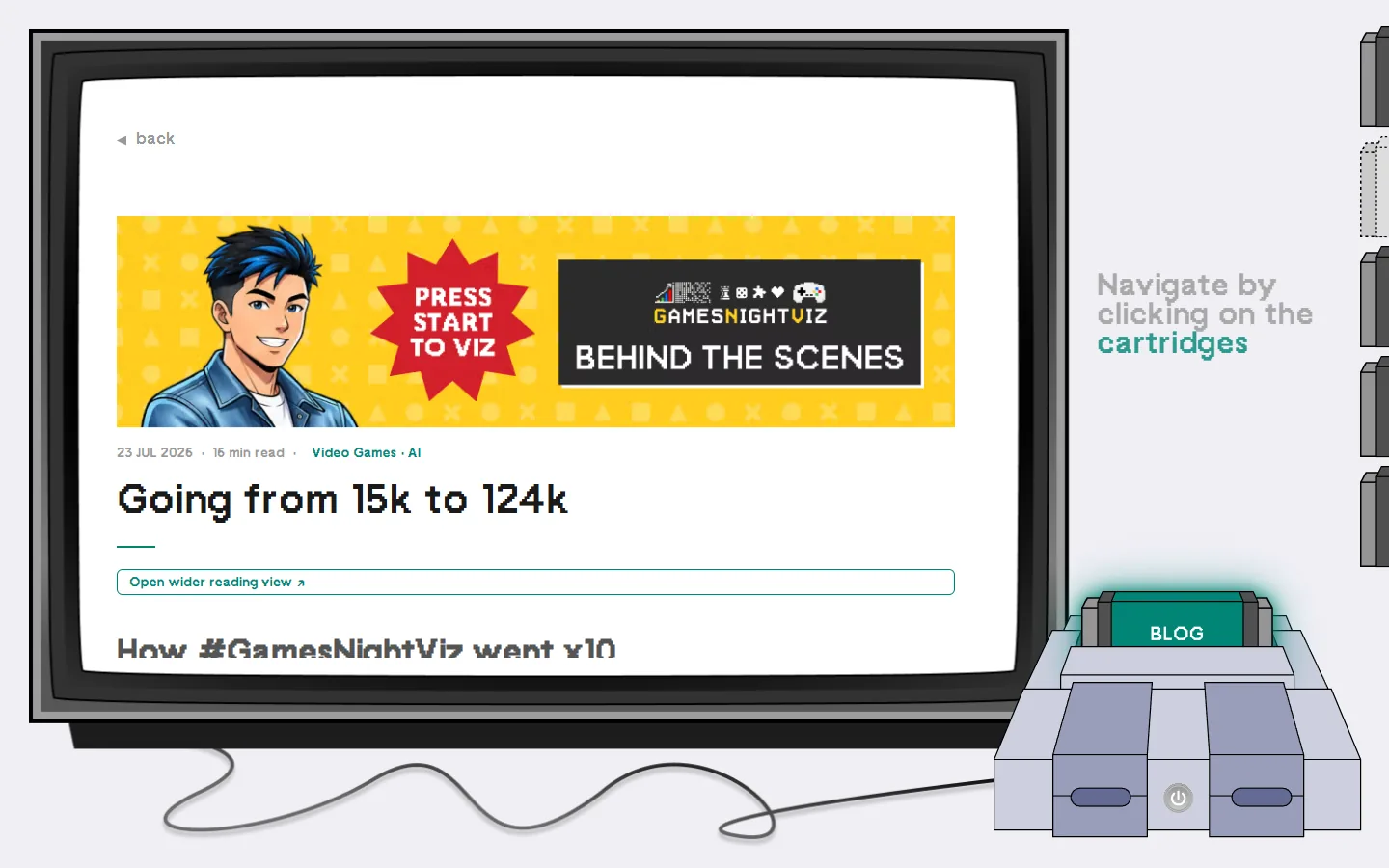
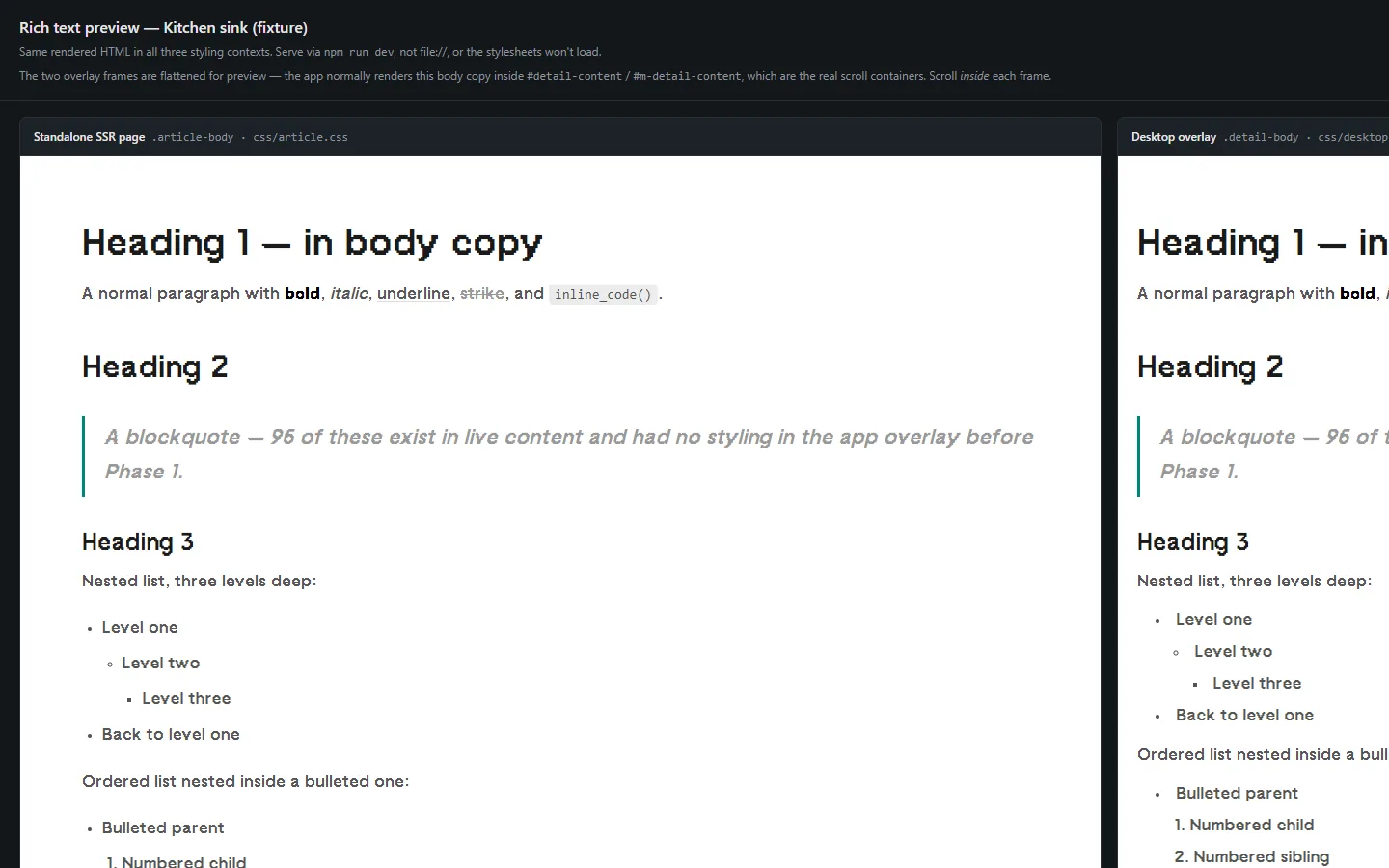
One of the biggest decisions I had to make for this site was to decide I was going with existing 3rd-party CMS (Content Management System) infrastructure or make my own (which I had no idea how to). I wanted more customizable options because of the different content types in my website and also accessibility. While the whole console + CRT was a very fun idea, reading articles in a fixed window wasn't a good user experience. I wanted to offer a full screen reading option too but the ability to jump between the gamified view and reading view. WordPress and Webflow were definitely not possible.
The other migration I had to do which Claude recommended, was to modularize my website for future maintenance and scalability. That way I don't have to repackage and republish if I wanted to make a small change. This ultimately also helped with the discoverability because search engines can pick up parts of the website to specific searches too.
5. Relearning GitHub and deployment
Louis wanted a running log of the work and a backup, which meant relearning GitHub. In the 23 April chat he asked whether he could deploy with GitHub Actions instead of Vercel and still keep www.datavizlouis.com; the walkthrough covered SSH deploy keys, Actions workflows and keeping credentials in GitHub Secrets rather than in the code. The site ended up on Vercel, deployed from the GitHub repo, on its custom domain.
- Prompt: GitHub as the running log of the work, and its backup.
- Claude's decision: Credentials live in GitHub Secrets and the server's environment file, never in the code.
- Prompt: Test on a preview deploy before going live.
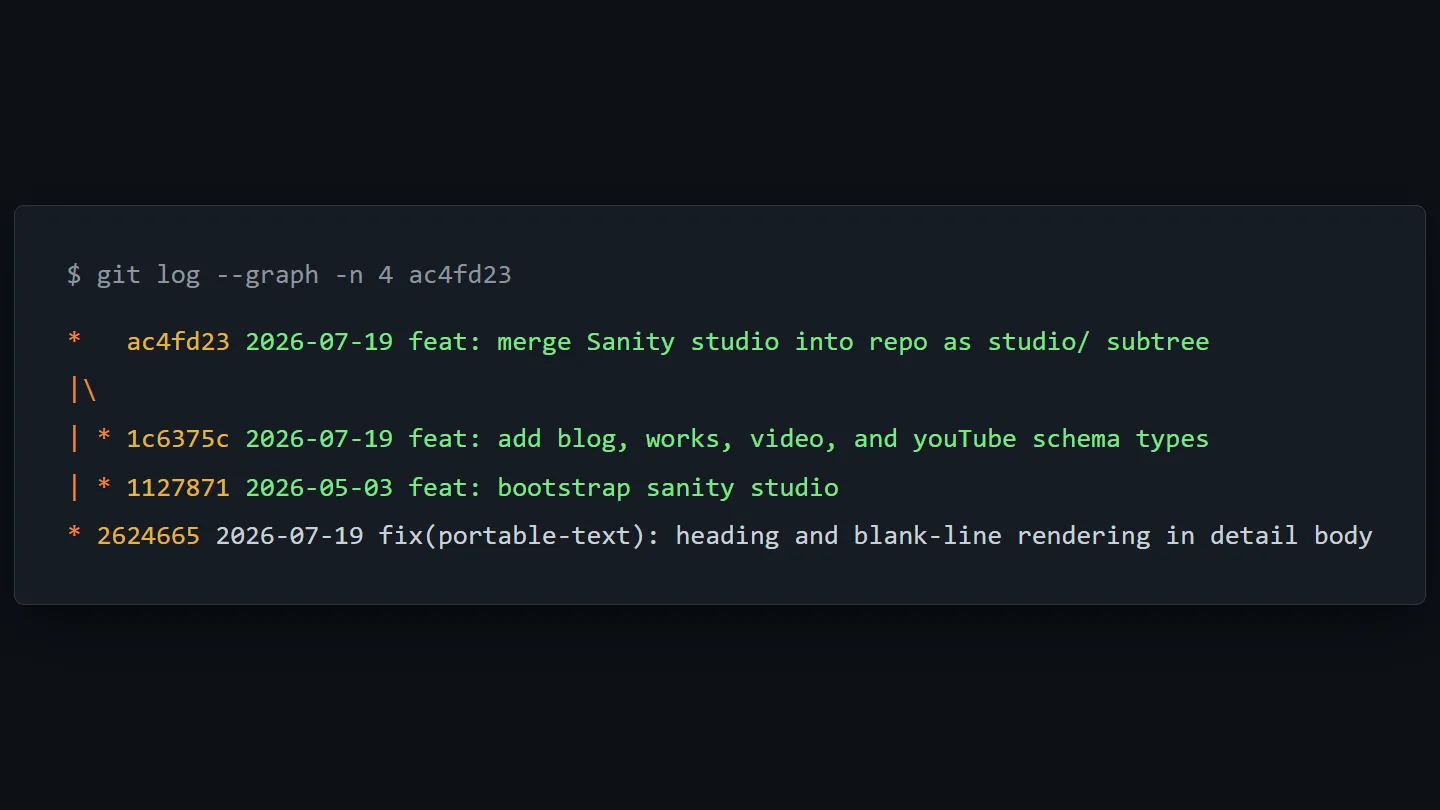
- Claude's decision: A git subtree merge, so the Studio's own history (back to 3 May) is kept inside the site repo.
- Prompt: Take only the plan file from the remote session's branch, then break it into phases before any code.
Developer Notes
With this project, I wanted a log of things I have done and also a backup in case I lose progress. The cleanest way was using GitHub, but I haven't used that in a while. Relearning the best practices from Claude was pretty good because the LLM is trained on years of developers using it as well. And in doing so, I picked up better developer habits along the way.
What it took
This whole case study demonstrates my initial journey with AI with a very messy workflow and poor prompting habits. But what I came to realize is that no matter what LLM you are using (ChatGPT or Claude or others), it is trained on years of good and bad practices from all of us. It will give you a much needed crash-course on things you don't have knowledge on (for me, it was learning the tech stack like vercel, react, next.js, github, sanity and more) as well as being able to synthesize ideas based on rough ideas you have.
- Prompts: 333 typed. Across ChatGPT, Claude Design and Claude Code, semi-recovered from logs.
- Git: 109 commits. 687 file changes with over 40,000 lines of code that has been shrunk down significantly since.
- Time: ≈ 12.6 h. Just active sessions, not counting the days/months I was procrastinating.
Developer Notes
Your job as the "human in the loop" is to pushback whether the direction is not what you want, but also being able to articulate your thoughts in words. AI can't read your mind (well maybe in the future) so the communication is the best tool you have.
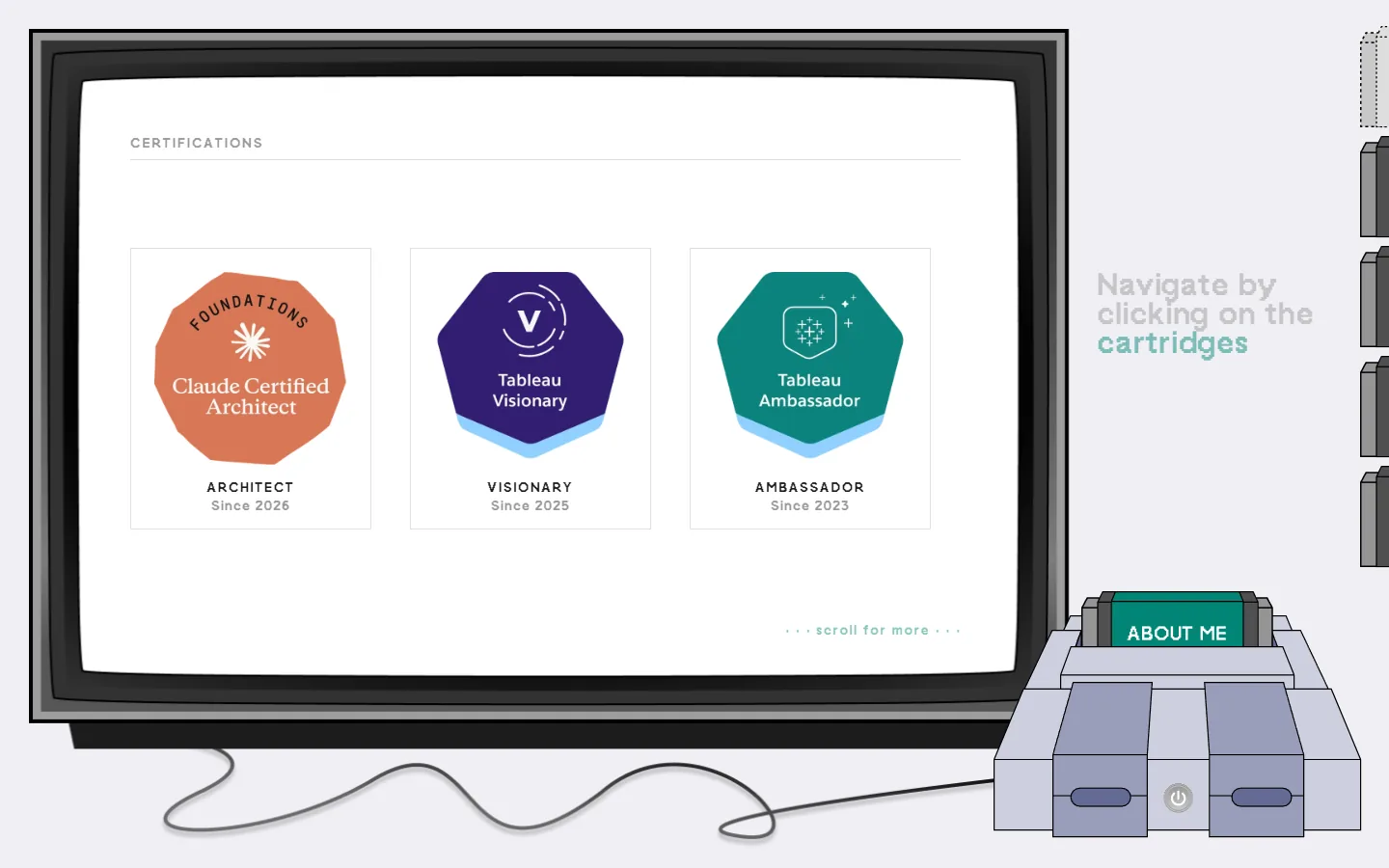
Thankfully, this journey taught me a lot. So much that I ended up with a Claude Architect certification, resulting in much better prompting habits and a deep understanding of building agentic workflows and how AI works in general.